SoundCloud to FLAC
Convert SoundCloud tracks to lossless FLAC — the format that keeps every bit of the original recording intact. Built for people who can actually hear the difference.
Downloading SoundCloud to FLAC
Three steps to a full-quality lossless file.
Find the Track or Set
Copy the link to the song, remix, or DJ set you want in lossless quality.
Paste and Select FLAC
Drop the link into Scdown and choose the FLAC format tab.
Download the FLAC File
Save your lossless file with full metadata and cover art already attached.
SoundCloud to FLAC, Without the Quality Loss
Most SoundCloud downloaders hand you a compressed MP3 and call it a day. Scdown goes further, converting straight into 16-bit FLAC so nothing gets thrown away in the process — the wide stereo image, the low end, the small dynamic details that lossy compression tends to flatten.
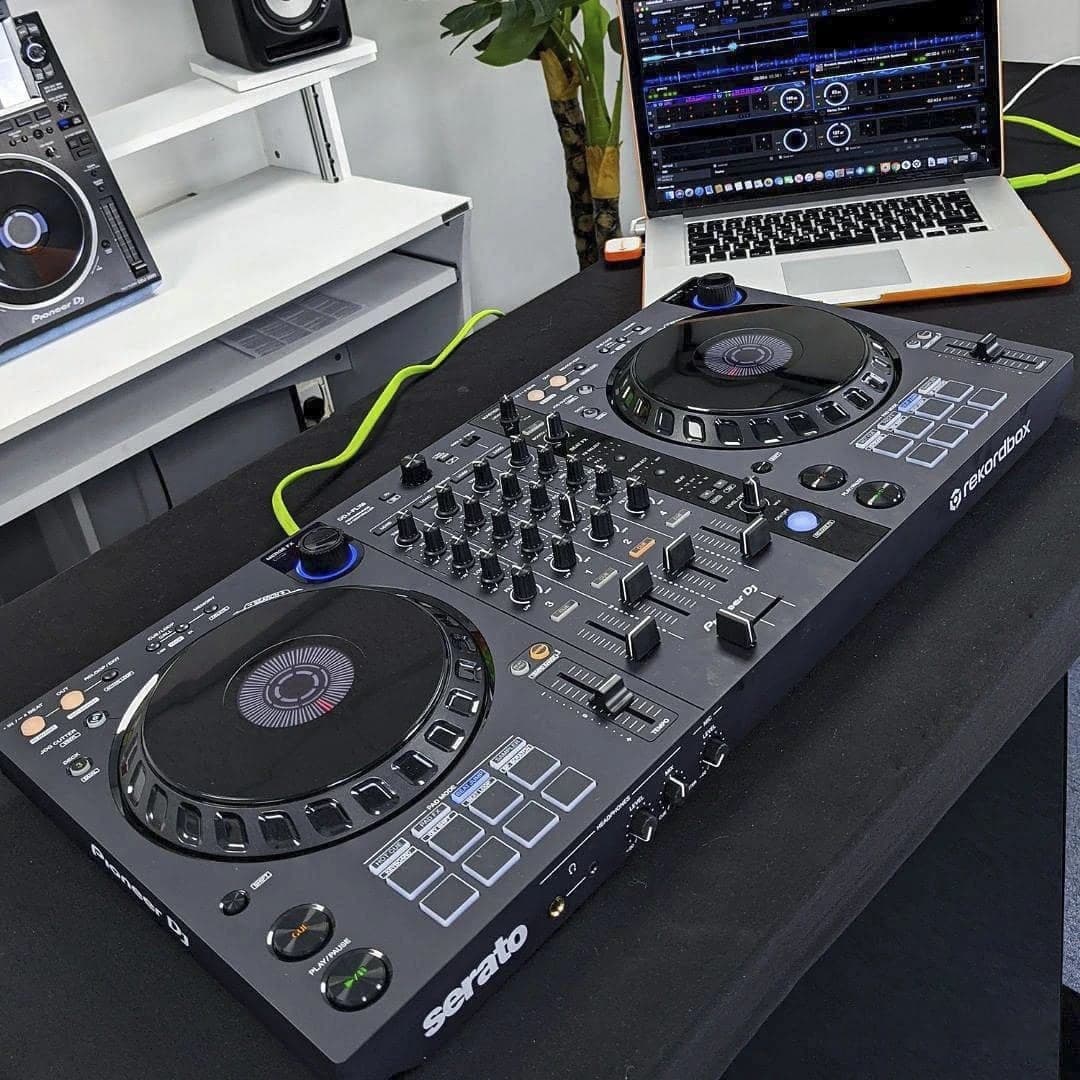
It's built for DJs, producers, and anyone archiving music at the quality it was actually recorded in. Paste a single track for a quick FLAC download, or use the playlist option to pull an entire album or DJ set in lossless format without converting each song by hand.
SoundCloud to FLAC FAQ
Common questions about lossless downloads from SoundCloud.