SoundCloud MP3
Turn any SoundCloud track into an MP3 file in seconds. Free conversion, real audio quality, no software required.
Getting Your SoundCloud MP3
Three steps between a SoundCloud link and a saved MP3 file.
Find the Track
Locate the song or set on SoundCloud and copy its link.
Paste the Link
Drop it into the box above — Scdown prepares the MP3 automatically.
Download the MP3
Save the finished file with tags and artwork already attached.
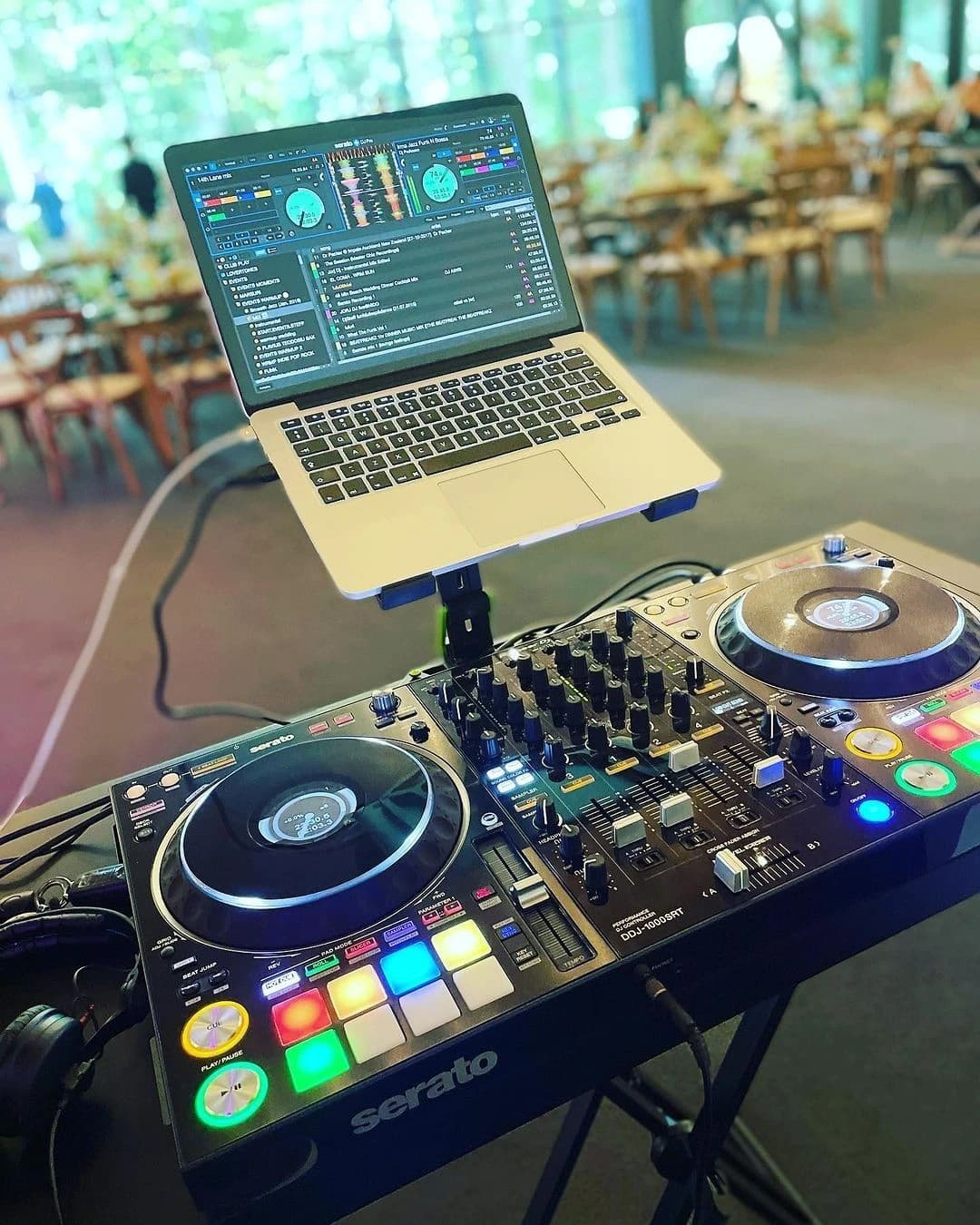
A Straightforward Way to Get SoundCloud MP3 Files
Scdown converts SoundCloud audio to MP3 without the extra steps most tools tack on — no forced signup, no app to download, no ads blocking the button. Paste a link and the MP3 is ready moments later.
It handles everything from chart hits to unreleased DJ sets and full playlists, and every file comes out the same way: clean 320kbps audio for Supporters (128kbps on free downloads), accurate artist and title tags, and the original cover art — all working the same on iPhone, Android, Mac, and PC.
SoundCloud MP3 Questions
What to know before converting a track to MP3.